Sometimes you need the skull as an image, not a text character — for a thumbnail, a sticker, a slide or a design. That's where transparent PNGs come in. Here's how to use them well.
Why a PNG instead of the emoji?
The 💀 character renders differently on every device, and you can't resize or restyle it freely. A PNG gives you a fixed image you control — scale it up, place it on any background, drop it into design tools.
What “transparent” means
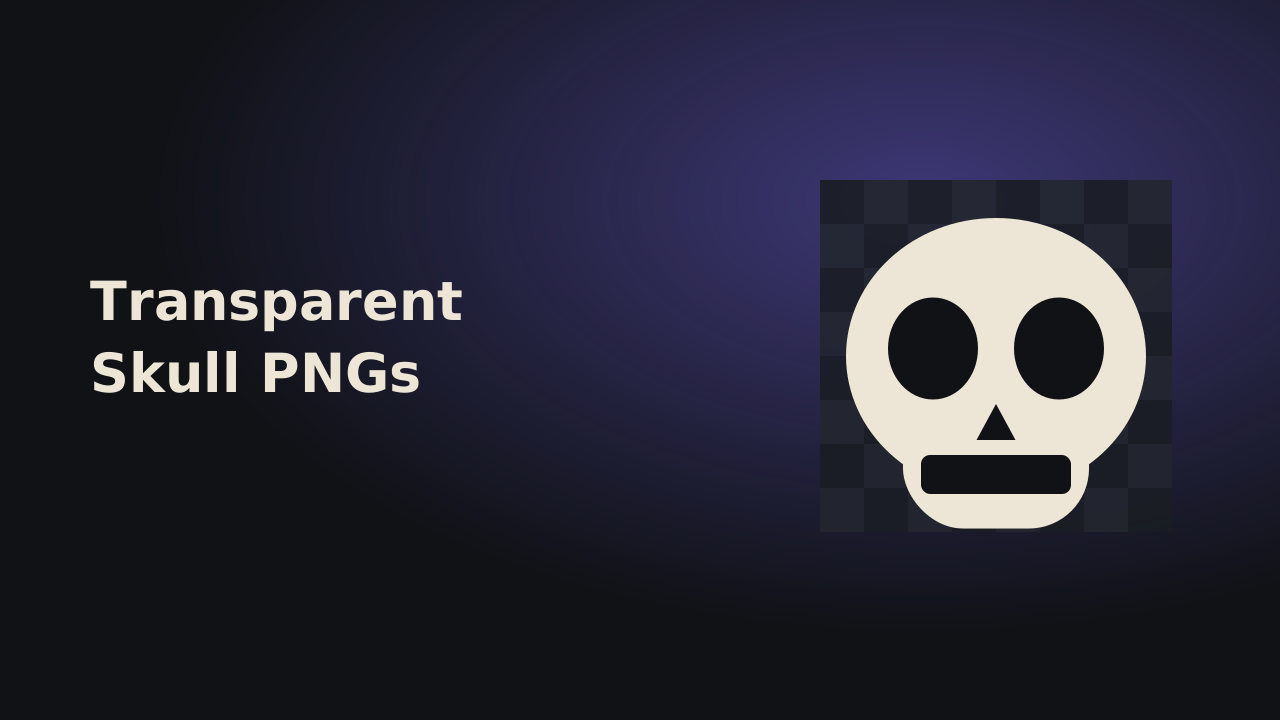
A transparent PNG has no background box — just the skull shape, with the area around it see-through. That lets it sit cleanly on any color or photo without an ugly rectangle behind it.
What to check before using one
Two things matter: resolution and rights. Use an image large enough (512px or more) so it stays crisp, and make sure you're allowed to use it. Many “emoji PNGs” online are actually Apple or Google's copyrighted artwork — reusing those can cause problems.
Our original skull PNGs
The PNG gallery on this site contains skull artwork we drew ourselves — minimal line, neon, pixel, cute and more — all 512×512 with transparent backgrounds. They're original designs, free for your personal and project use, and not copies of any platform's emoji.
Download the style you like and drop it straight into your project.